


UX vs UI Design: What's the Difference and Why Does It Matter? | UX/UI 設計有甚麼分別?網站設計為何兩者都重要?
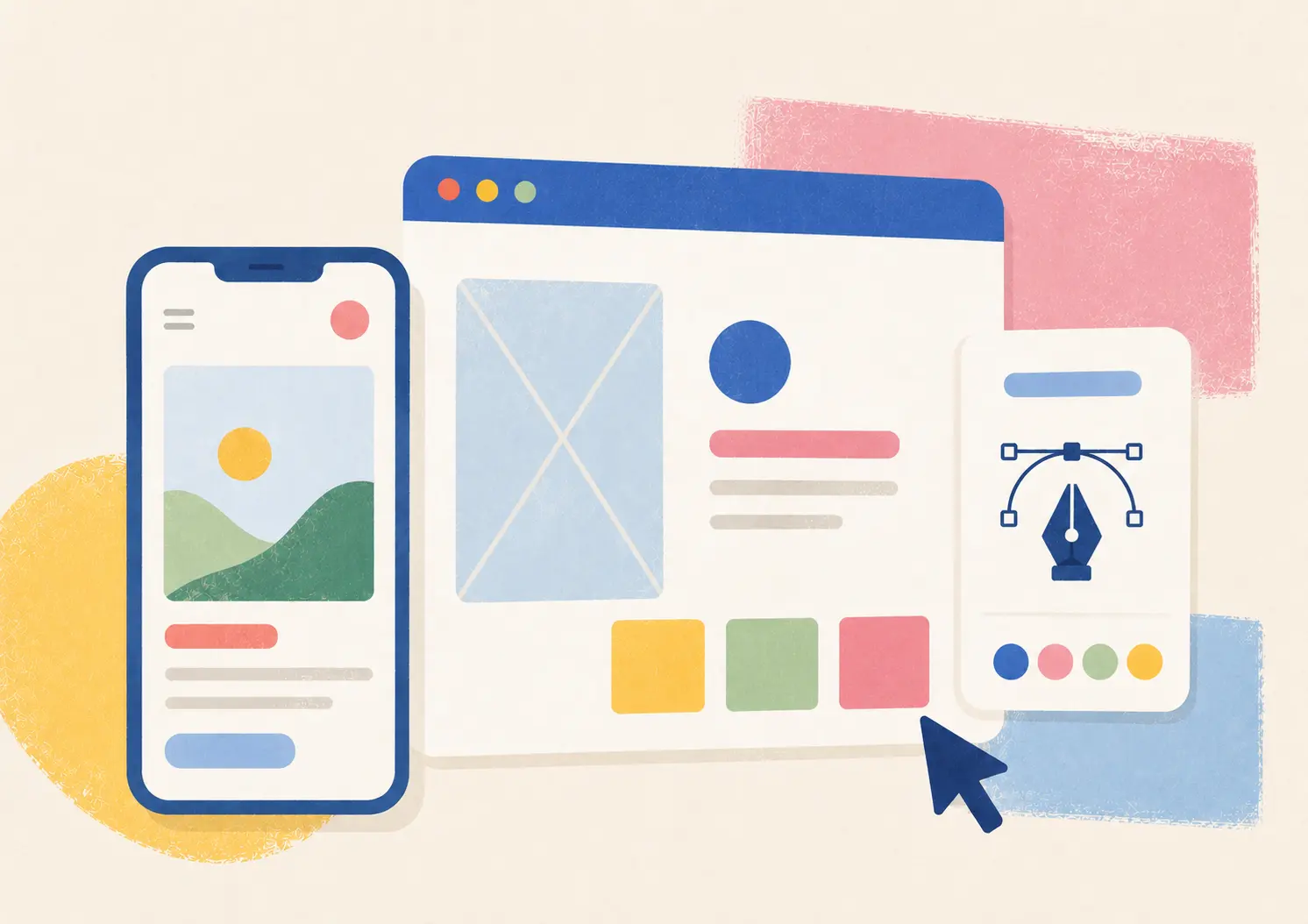
UX and UI are often used together, but they describe different parts of the design process. Understanding the distinction is useful because a website can have excellent UI and poor UX, or strong UX wrapped in an uninspiring interface.
What is UX design?
User experience design focuses on how something works for the person using it. It considers goals, behaviours, information architecture, journeys, navigation, interaction logic and usability.
For a website, UX questions include: Can users find what they need? Is the structure understandable? What happens after they click? Are we asking for unnecessary information? Is the most important action obvious?
What is UI design?
User interface design focuses on how the experience is visually and interactively expressed. It includes typography, colour, spacing, components, buttons, imagery, states, responsive behaviour and motion.
Good UI creates hierarchy and personality while making the underlying UX easier to understand.
A simple example
Imagine a transport app. UX determines how users search for a route, understand arrival information and move between journey planning and destination content. UI determines how those actions are presented visually and how clearly users can interpret them.
In our Hong Kong Tramways app, the experience brings together real-time arrivals, route planning, audio tours and shopping. The interface needs to make those different functions feel like one coherent journey.
Why businesses often confuse them
Visual design is easier to see. During reviews, stakeholders naturally react to colours, images and layouts. But many expensive website problems originate earlier: unclear requirements, weak content hierarchy or a journey that has not been thought through.
UX without UI is not enough
Usability alone does not create a memorable brand experience. People form impressions quickly, and visual craft affects credibility, emotion and perceived quality.
UI without UX is not enough either
A beautiful interface can still hide important information, create unnecessary steps or leave users unsure what to do next.
The strongest digital design combines both
UX gives the experience logic. UI gives that logic clarity and character. Treating them as connected disciplines allows a website or product to be useful, intuitive and distinctive at the same time.
Planning a website project? Explore ULTD's web design, UX/UI and development services to see how we can help shape your next digital experience.
────────────
UX 與 UI 經常被放在一起說,但其實代表設計流程中不同的部分。網站可以有很漂亮的 UI,卻有很差的 UX;亦可以邏輯清晰,但視覺毫無吸引力。
甚麼是 UX Design?
UX,即 User Experience Design,重點是產品對使用者而言「如何運作」。它包括用戶目標、行為、Information Architecture、User Journey、Navigation、Interaction Logic 及 Usability。
以網站為例,UX 會問:用戶找得到需要的資訊嗎?網站結構容易理解嗎?Click 之後會發生甚麼?流程有沒有多餘步驟?最重要的 Action 是否清晰?
甚麼是 UI Design?
UI,即 User Interface Design,重點是把體驗如何以視覺及互動方式呈現。包括 Typography、Colour、Spacing、Component、Button、Imagery、State、Responsive Behaviour 及 Motion。
好的 UI 會建立清晰 Hierarchy 及品牌個性,同時令 UX 更容易被理解。
一個簡單例子
想像一個交通 App。UX 決定用戶如何搜尋路線、理解到站資訊,以及在 Journey Planning 與其他內容之間移動;UI 則決定這些功能如何呈現,以及資訊是否一眼就能理解。
在我們設計及開發的 香港電車官方 App 中,Real-time Arrival、Route Planning、Audio Tour 及 Shopping 都需要被整合成一個連貫體驗。
為甚麼企業經常混淆 UX 與 UI?
Visual Design 最容易被看見,因此 Review 時大家自然先討論顏色、圖片及 Layout。但很多昂貴的網站問題,其實更早出現:需求不清晰、Content Hierarchy 有問題,或 User Journey 根本未被完整思考。
只有 UX 不足夠
單純「好用」不一定能創造令人記得的 Brand Experience。視覺質感會直接影響可信度、情感及用戶對品牌品質的判斷。
只有 UI 亦不足夠
漂亮的介面仍然可能把重要資訊藏起來、製造不必要步驟,或令用戶不知道下一步做甚麼。
最好的 Digital Design 是 UX + UI
UX 為體驗提供邏輯,UI 為邏輯提供清晰度及個性。兩者結合,網站或 Digital Product 才能同時做到好用、直覺及有品牌辨識度。
正計劃網站項目?了解 ULTD 的網頁設計、UX/UI 及網站開發服務,看看我們如何協助建立下一個數碼體驗。